
Interactive Tutorial
Runwise is a smart building platform used by property teams across 10,000+ buildings. New users weren't engaging with core features after sign-up. I designed a task-based, role-aware onboarding tutorial that launches automatically and guides users through their first key actions. 95% completion rate. 481 users activated in the first month.
Role
Lead Product Designer
Contribution
Onboarding experience design, UX architecture, Interaction design, User experience, Role-based flow design, Prototyping, Cross-functional alignment with PM, Eng & CSMs
The Challenge
Activation gap in early product use
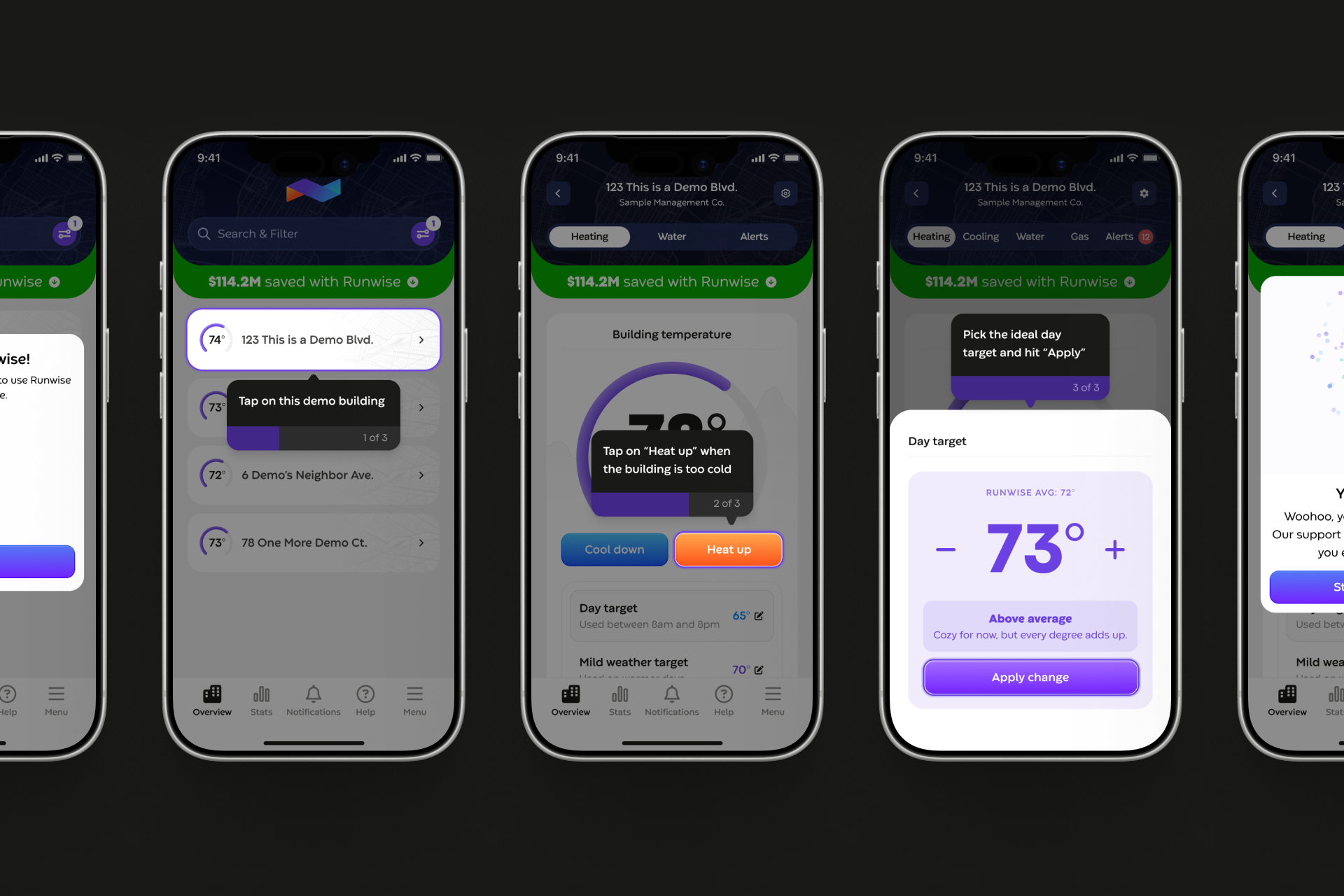
New users were logging in but not becoming meaningfully active. Core actions like heat boosts and temperature settings were often misunderstood, leading to heavy reliance on Customer Success for basic guidance.
Users were dropped into a dense interface without clarity on what mattered or where to begin. Friction surfaced at the exact moment when confidence and perceived value should have been highest.
The Strategy
Task-based, role-aware onboarding
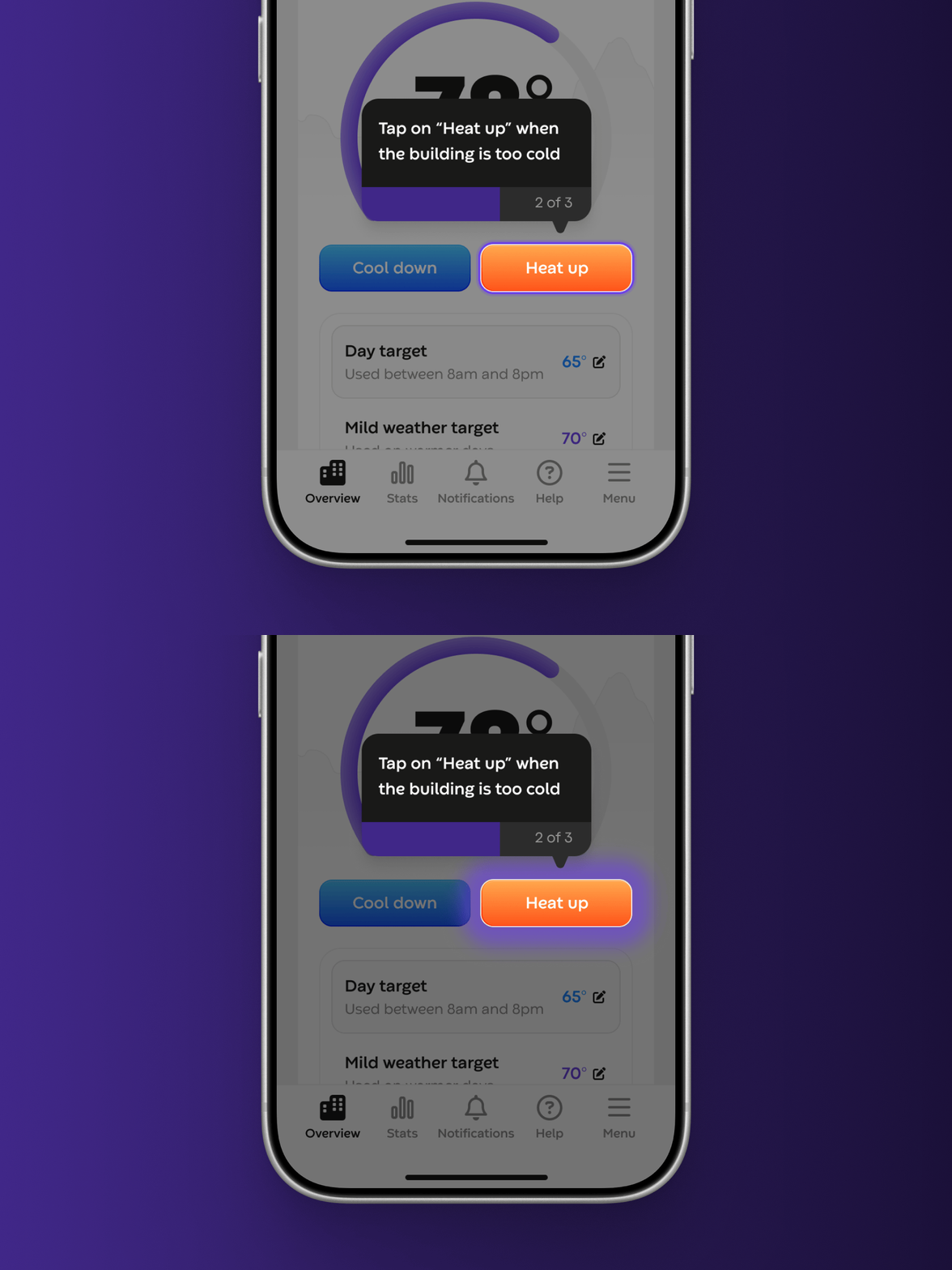
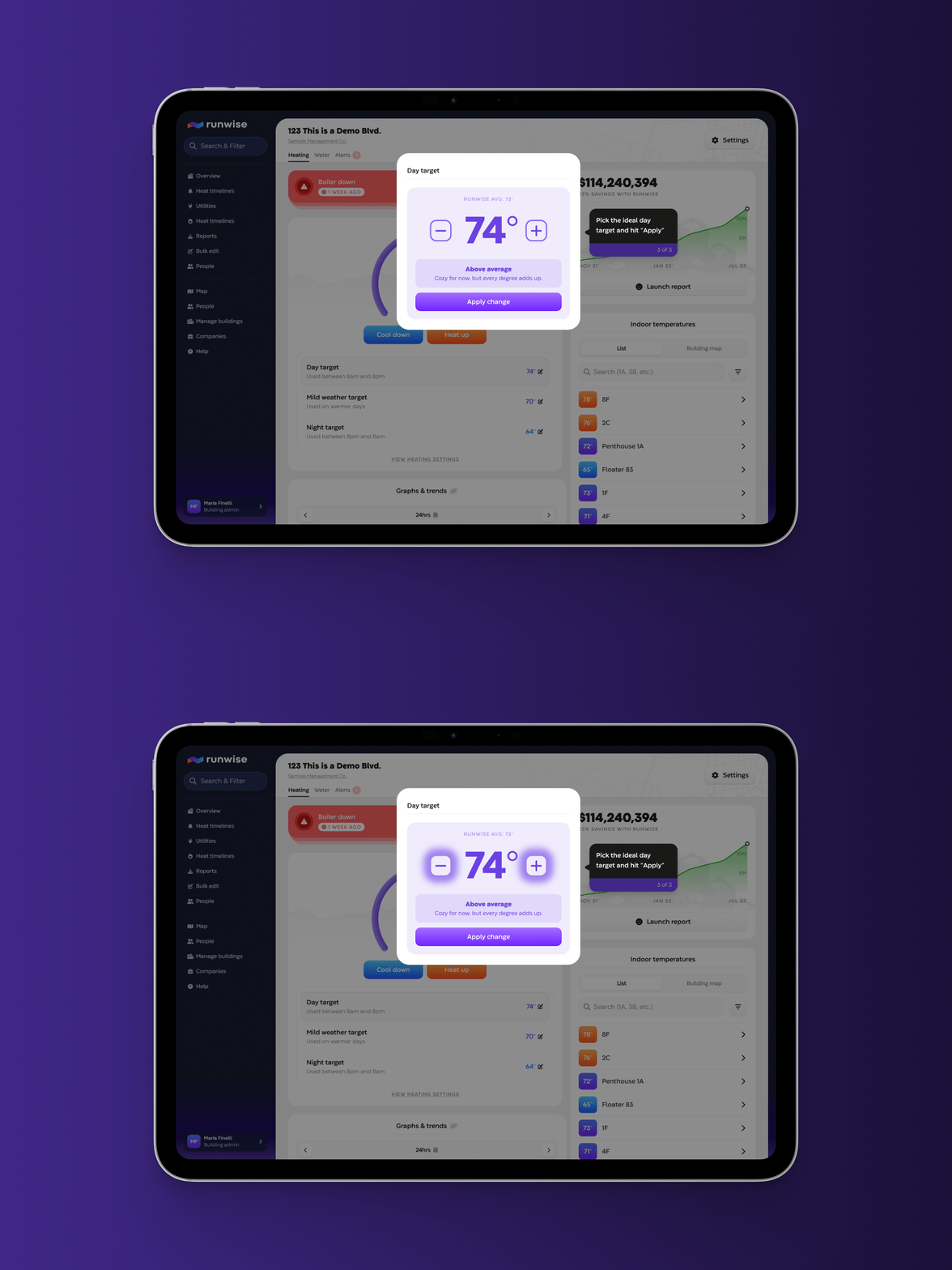
The tutorial was structured around core workflows, not feature tours. Admin users were guided through three foundational actions: opening a building page, running a heat boost, and adjusting a temperature target. View-only and building-level users saw a permission-aware flow focused on discovery and interpretation, such as expanding and interacting with graphs.
This role-based structure ensured onboarding felt relevant, reinforced real responsibilities, and avoided generic walkthroughs.
The Solution
An interactive, in-product guidance system
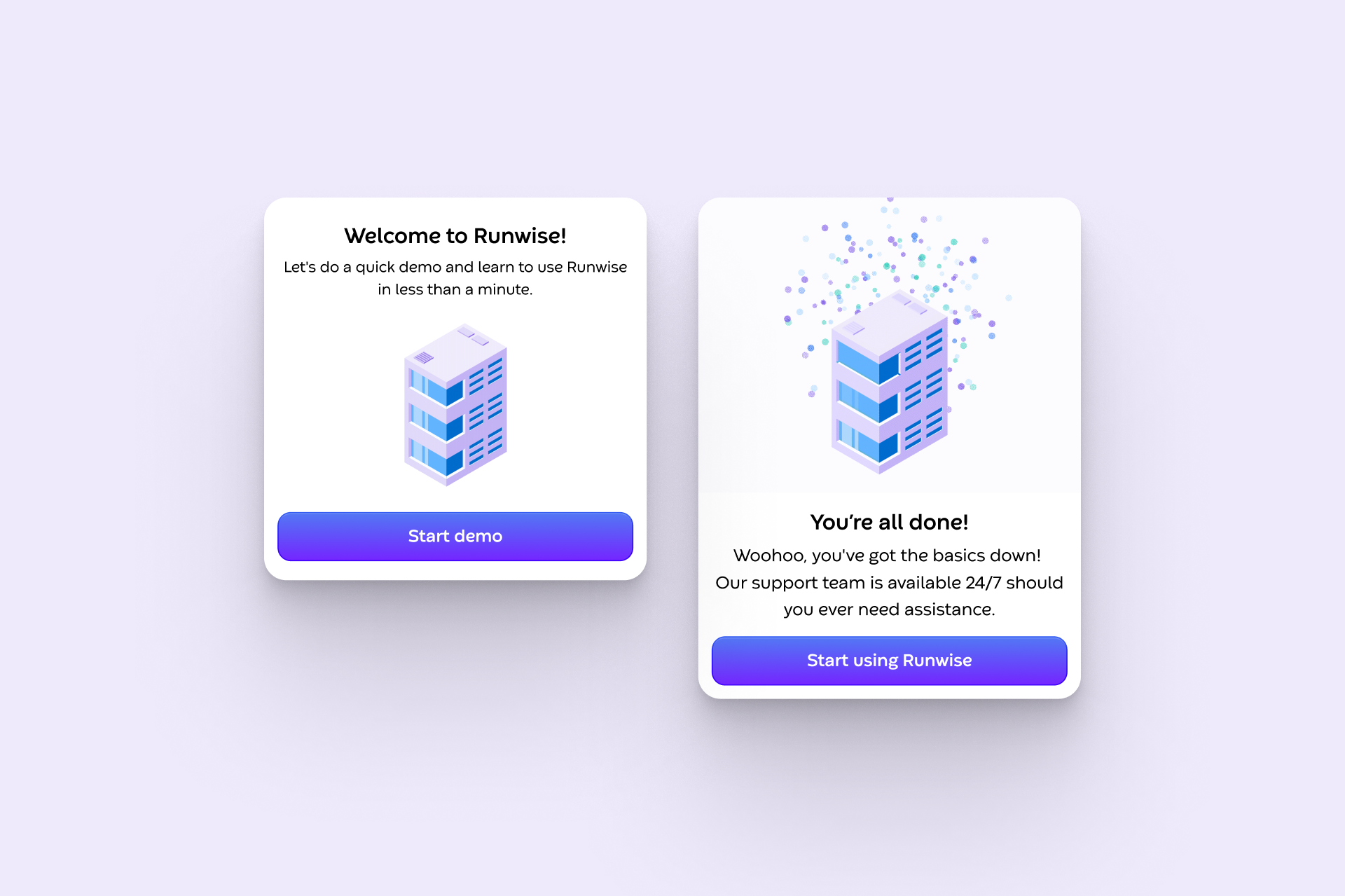
I designed an onboarding tutorial that launches automatically for new users and guides them through real workflows inside the product.
The experience is task-driven rather than feature-led, prioritizing behavior change tied to long-term retention. It supports web and mobile, uses a test environment to safely simulate actions, reinforces focus areas to reduce decision friction, and captures step-level analytics to measure completion and engagement.
The Impact
Accelerating activation at scale
Since launch, 481 users have initiated the tutorial with a 95% completion rate and an average completion time of about one minute, signaling low friction and strong engagement.
New users now move from first login to meaningful interaction almost immediately. Customer Success reported a decrease in onboarding-related support requests, freeing the team to focus on higher-impact work. The framework now supports both desktop and mobile and serves as a reusable foundation for future feature adoption.